Now
Their drawing
Drag and drop their drawing hereA clear phone photo is all you needor
Good drawing photoUse bright light, shoot straight down and keep every edge in the frame.
PNG, JPG, HEIC or WebP up to 8 MB
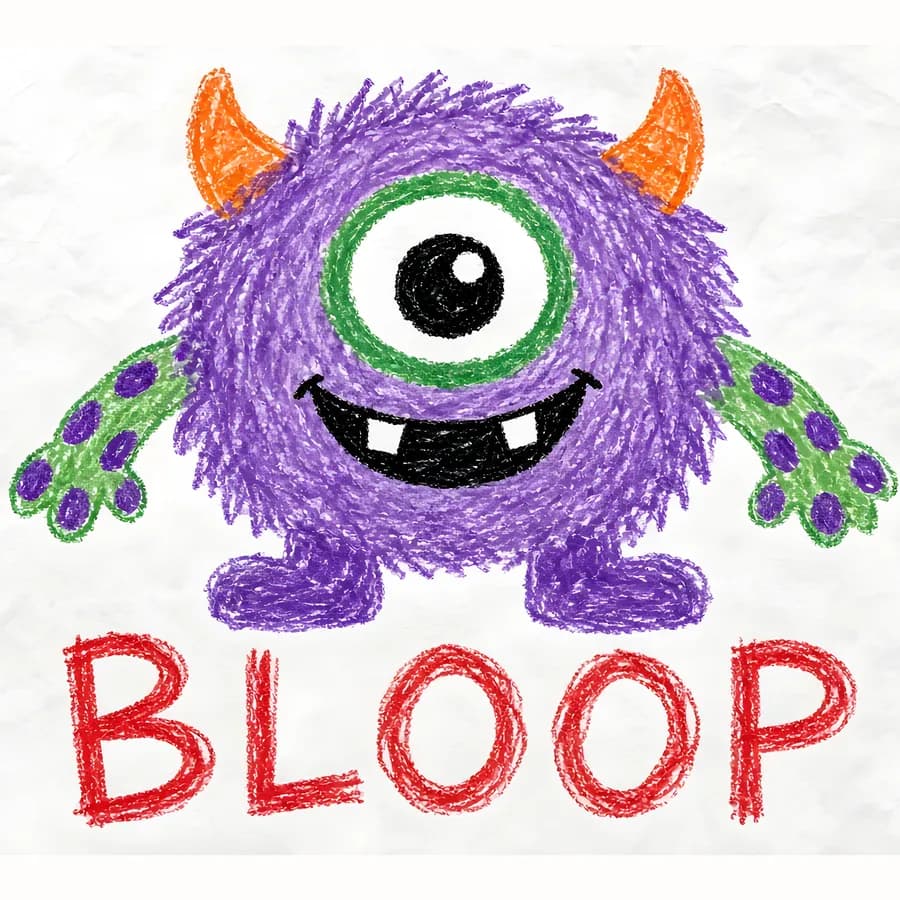
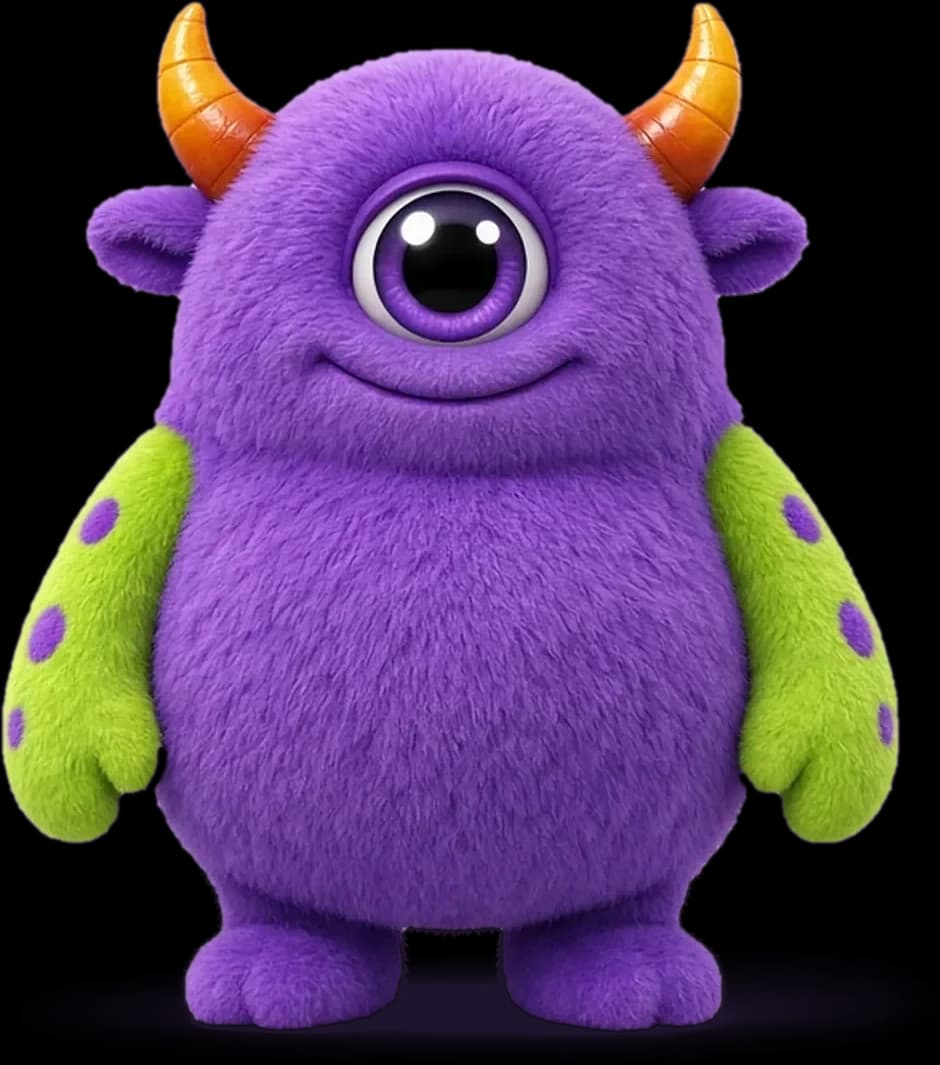
 Start their free previewStart free
Character studio · Monster first
Start with their drawing and meet the monster for free. Next, add the child by photo or with the no-photo builder—then choose the adventure they will share.
Step 1 of 5Drawing
The first page
Start with one clear photo of the whole drawing. You can add their photo or build their character after you choose the monster.
Good drawing photoUse bright light, shoot straight down and keep every edge in the frame.
PNG, JPG, HEIC or WebP up to 8 MB
Bright, even lightFace a window and avoid heavy shadows.
Just your childChoose a recent photo with their full face visible.
Face the cameraA natural, front-facing photo works best.
You will choose the photo or character builder after their monster is ready.
Private by default. Your child's drawing is only used to make their monster and their book. If you add a photo of your child later, we use it once to create their character and never save it.